Self-Hosted, White-Label Meeting Platform
Deploy on your own server. Use standalone or embed into your existing application.
Full ownership. No per-minute pricing. No vendor lock-in.
Try VidioMeet free for 14 days. No license key required.
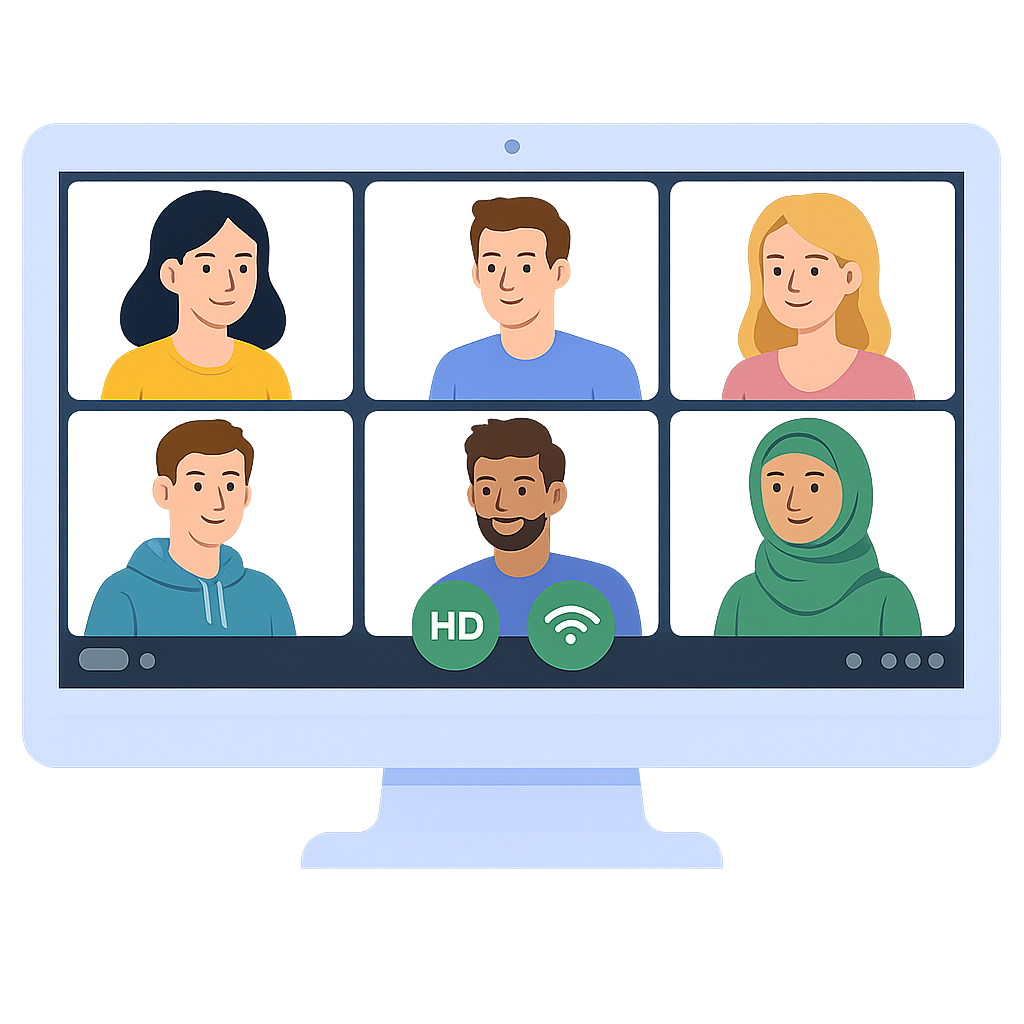
Deploy on your own server. Use standalone or embed into your existing application.
Full ownership. No per-minute pricing. No vendor lock-in.
Try VidioMeet free for 14 days. No license key required.
Up to 5 participants
Embedded collaboration and 1:1s. Direct peer-to-peer — minimal latency, zero extra cost.
Up to 20 participants
Platform-native video and larger calls. Built to scale using an SFU architecture — same WebRTC encryption, greater reach.
Two modes, one platform
From small P2P calls to scalable SFU meetings.
Self-hosted meeting platform for developers, SaaS builders, and agencies
Remove VidioMeet branding. Use your own domain, logo, and identity.
Embed via iframe or integrate via SDK into your existing product.
No usage-based billing. No per-minute costs. Full ownership.
Deploy on your own infrastructure for maximum privacy and compliance.
Encrypted media using DTLS and SRTP
Start meetings in minutes, not weeks
Add native video to your product without per-minute billing.
Enable 1:1 calls between buyers and sellers.
Deliver lessons directly inside your learning platform.
Deploy white-label video solutions for client projects.
Secure communication within enterprise portals.
Deploy & use instantly — start free in evaluation mode. License when ready.
⏱ Typical setup time: 10–15 minutes
Evaluation mode lets you deploy and test VidioMeet before purchasing a license.
A complete meeting experience you can run under your own brand.
Crystal-clear video calls with configurable quality profiles. Built-in noise suppression and echo cancellation.
Blur your surroundings or pick from 12+ realistic scene presets. Live preview before applying.
Share your full screen or a specific window. Participants get a fullscreen viewer for presentations.
Collaborative whiteboard for drawing, diagramming, and brainstorming together in real time.
Text messaging with automatic link detection, browser notifications, and unread message badges.
7 animated emoji reactions — thumbs up, clap, laugh, celebration and more. Raise hand queue for orderly discussions.
Visual indicator highlights who is speaking. Automatic speaker switching so you never miss a word.
Preview your camera, test your microphone, and select audio/video devices before entering the meeting.
Test your speaker output and microphone input with visual audio-level indicators before joining.
Mute participants, disable cameras, stop screen shares, or remove users. Toggle chat, reactions, and more.
Require host approval before participants join. Accept or reject each person individually.
White-label with your logo, colors, and domain. Remove all VidioMeet branding. Embed via iframe or SDK.
Switch between Best Quality, Balanced, and Data Saver modes. Real-time upload and download stats.
Uses WebRTC's default security mechanisms (DTLS & SRTP). Media routing depends on your deployment and selected infrastructure.
Browser-based — no plugins required. Direct P2P for small meetings, SFU for larger ones. Works on any modern browser.
VidioMeet is designed for self-hosted deployments, with media routing and infrastructure choices controlled by your configuration. Depending on configuration, media traffic may be routed peer-to-peer or through customer-selected infrastructure components.
No usage billing. No per-minute pricing. Deploy on your own servers.
Try VidioMeet free for 14 days. No license key required.
Assisted Deployment — $129
We deploy VidioMeet on your infrastructure.
Docker / VM / Cloud. Handover ready to use.
Common questions about deployment, security, and infrastructure
Yes. VidioMeet is designed for self-hosted deployments. You run the VidioMeet server on your own infrastructure and control configuration, data flow, and access.
Depending on your setup, media traffic may be routed peer-to-peer, via an SFU, or through TURN servers you choose.
VidioMeet uses WebRTC's built-in security model, which includes DTLS for key exchange and SRTP for media encryption. All audio and video streams are encrypted in transit by default.
Yes. Small meetings use direct peer-to-peer connections when possible, minimizing latency and infrastructure usage. TURN is only used when direct connections are not possible.
For medium-sized meetings, VidioMeet uses an SFU (Selective Forwarding Unit) architecture. This allows meetings to scale while preserving WebRTC encryption and performance.
Media routing depends on your deployment and selected infrastructure.
Depending on configuration:
You control which infrastructure components are used.
Media routing depends on how VidioMeet is configured. VidioMeet does not force a single routing model. You choose how and where media traffic flows based on your deployment, SFU choice, and TURN configuration.
Yes. You can use a self-hosted TURN server or a third-party TURN service of your choice. TURN usage is fully configurable.
No. VidioMeet does not require any VidioMeet-managed cloud to operate. Licensing, deployment, and runtime operation are designed to work independently of VidioMeet-hosted infrastructure.
VidioMeet supports offline license verification and can operate in restricted network environments. Media connectivity requirements depend on your deployment. Optional online checks may be used for updates or license management, depending on configuration.
Yes. VidioMeet ships as a single Docker image. Upgrading plans (for example, enabling SFU features) is handled via licensing — no reinstallation is required.
Yes. VidioMeet is designed for teams that need deployment control, infrastructure flexibility, encrypted media transport, and minimal external dependencies.
Many deployment decisions are intentionally left to the customer to meet internal compliance requirements.